scientific calculator
Non-Programmable Scientific Calculator: Exam Rules and Uses
Learn what a non-programmable scientific calculator is, how it works, common exam rules, calculation examples, and how to choose the right calculator for math tests.
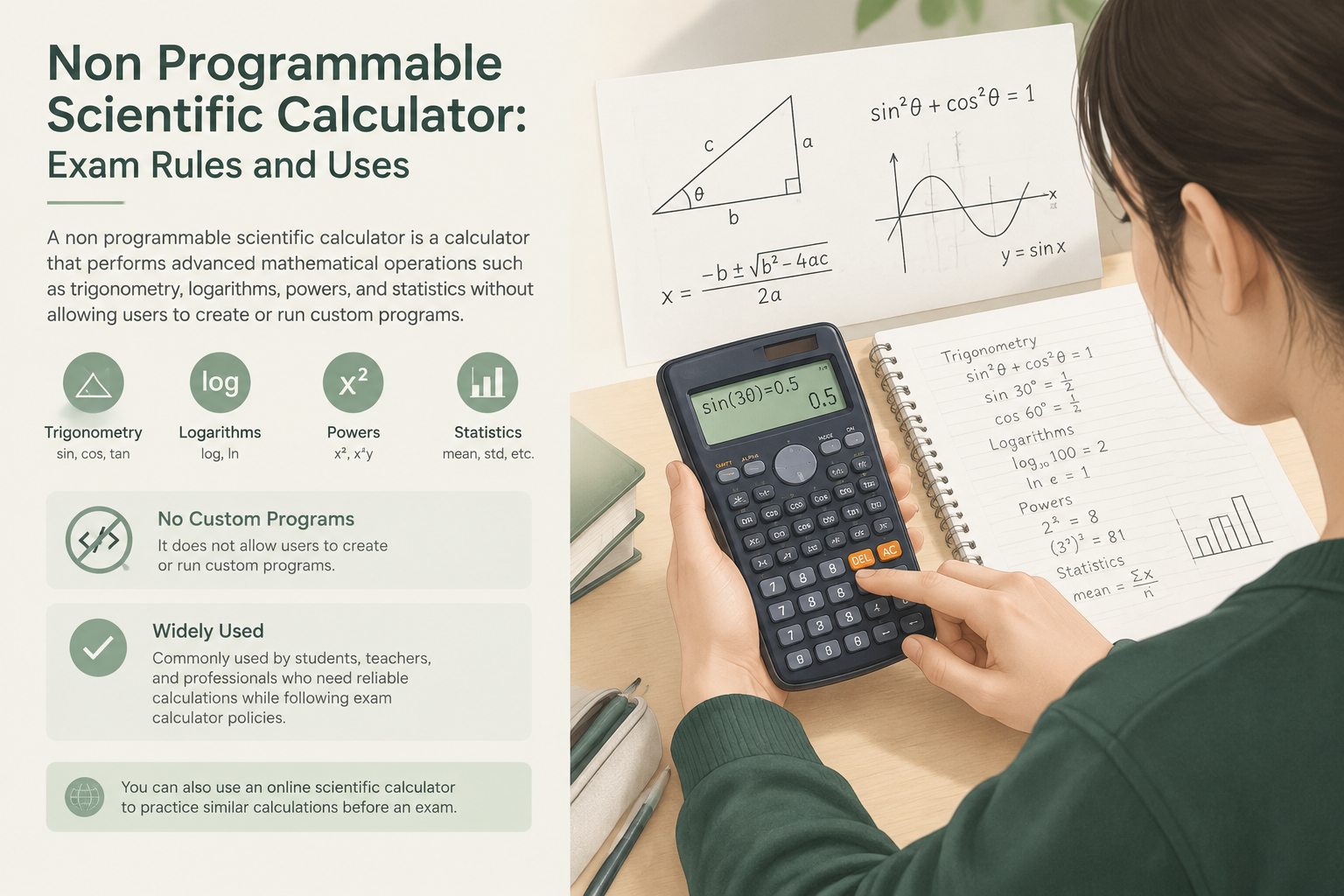
A non-programmable scientific calculator is a calculator that performs advanced mathematical operations such as trigonometry, logarithms, powers, and statistics without allowing users to create or run custom programs. It is commonly used by students, teachers, and professionals who need reliable calculations while following exam calculator policies. You can also use an online scientific calculator to practice similar calculations before an exam.
What Is a Non-Programmable Scientific Calculator?
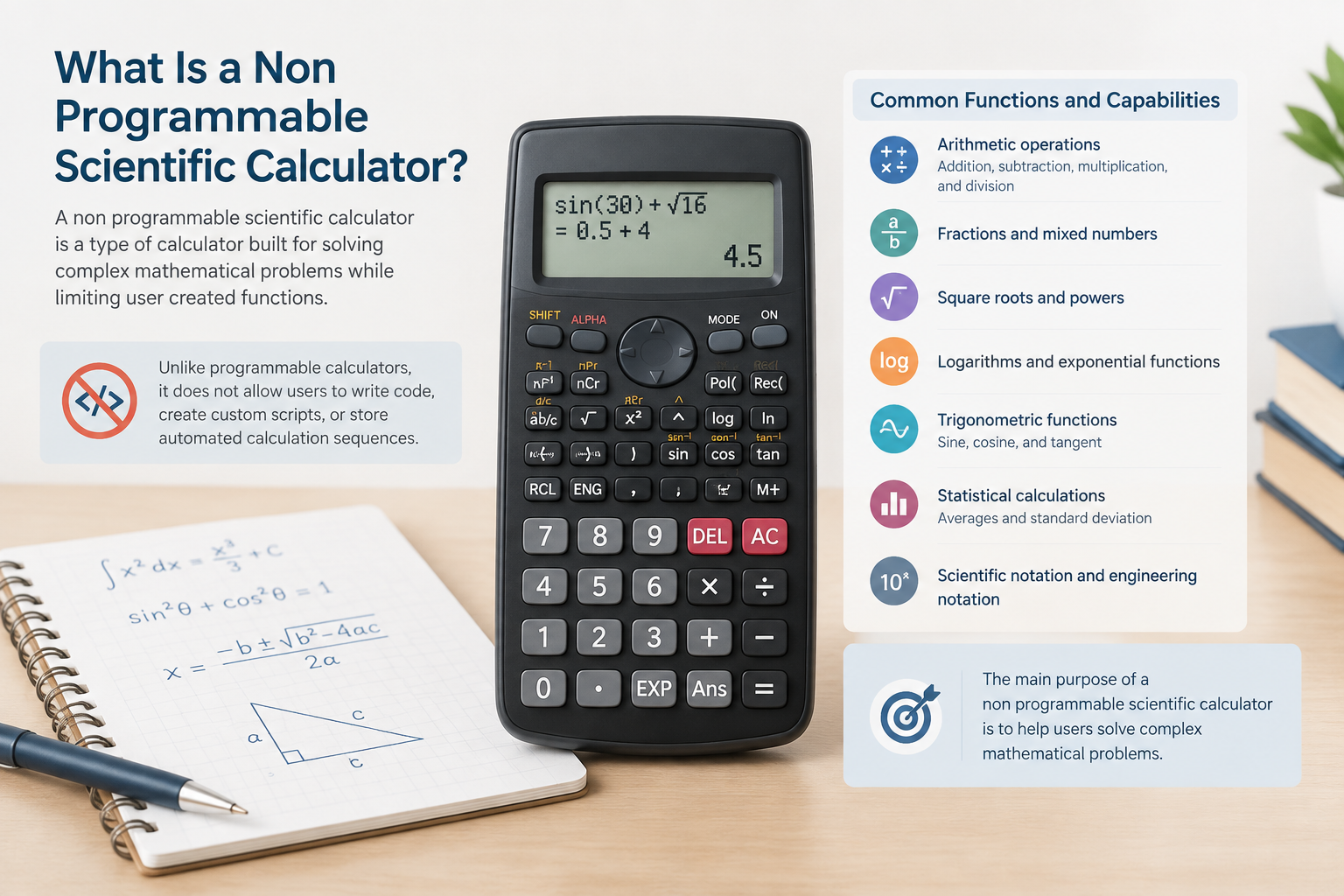
A non-programmable scientific calculator is a type of calculator built for solving complex mathematical problems while limiting user-created functions. Unlike programmable calculators, it does not allow users to write code, create custom scripts, or store automated calculation sequences.
These calculators typically include functions for:
- Arithmetic operations such as addition, subtraction, multiplication, and division
- Fractions and mixed numbers
- Square roots and powers
- Logarithms and exponential functions
- Trigonometric functions such as sine, cosine, and tangent
- Statistical calculations such as averages and standard deviation
- Scientific notation and engineering notation
The main purpose of a non-programmable scientific calculator is to provide mathematical support while keeping the calculation process controlled and transparent. This is why many schools and testing organizations allow this type of calculator for exams where programmable devices may be restricted.
Non-Programmable vs Programmable Scientific Calculators
The difference between these calculator types is mainly about user control and stored functions.
A non-programmable scientific calculator:
- Uses built-in mathematical functions
- Cannot execute user-written programs
- Usually has limited memory features
- Focuses on direct calculations
A programmable scientific calculator:
- Can store and run custom instructions
- May allow coding or advanced automation
- Can solve repeated tasks through saved programs
- May not be permitted in some exams
Exam calculator policies vary by organization, school, and testing board. Always check the official rules for a specific exam before choosing a calculator.
How Does a Non-Programmable Scientific Calculator Work?
A scientific calculator processes mathematical inputs using built-in algorithms. When a user enters an expression, the calculator applies the relevant mathematical rules and returns a numerical result.
For example, calculating the value of a trigonometric expression:
\[
\sin(30^\circ)=0.5
\]
The calculator converts the angle into the selected mode, applies the sine function, and displays the result.
The accuracy of the result depends on settings such as:
- Angle mode: degrees, radians, or gradians
- Number display format
- Input method
- Rounding settings
Choosing the correct settings is essential, especially during exams.
Calculation Formulas and Examples
A non-programmable scientific calculator does not replace mathematical formulas. It helps users evaluate formulas more quickly and accurately.
Example 1: Square Root Calculation
Formula:
\[
x=\sqrt{n}
\]
If:
\[
n=144
\]
Calculation:
\[
x=\sqrt{144}=12
\]
A scientific calculator can evaluate the square root function instantly.
Example 2: Exponential Calculation
Formula:
\[
y=a^b
\]
If:
\[
a=2, b=5
\]
Calculation:
\[
y=2^5=32
\]
The calculator applies the power function to produce the result.
Example 3: Logarithm Calculation
Formula:
\[
y=\log_{10}(x)
\]
If:
\[
x=1000
\]
Calculation:
\[
y=\log_{10}(1000)=3
\]
Logarithm functions are commonly used in algebra, chemistry, physics, and engineering problems.
How to Use a Non-Programmable Scientific Calculator
Step 1: Check the Calculator Mode
Before entering calculations, confirm the correct mode:
- Use degree mode for many school geometry and trigonometry problems
- Use radian mode for calculus and higher-level mathematics
- Use statistics mode when working with data sets
An incorrect mode can produce incorrect answers even when the formula is correct.
Step 2: Enter the Formula Carefully
Follow the same order as the mathematical expression. Use parentheses when needed to avoid calculation mistakes.
For example:
\[
(5+3)\times2=16
\]
Entering the expression without parentheses may create a different result depending on calculator rules.
Step 3: Review the Result
A calculator provides a numerical answer, but users should still check whether the result is reasonable.
For example, a negative value for the length of an object would indicate that the formula or input may need review.
Step 4: Practice Before an Exam
Students should practice with their calculator before an exam to understand:
- Key locations
- Fraction input
- Mode settings
- Memory functions
- Rounding behavior
Using an online scientific calculator tool can help users become familiar with common operations.
Exam Calculator Policy and Allowed Uses
Many exams allow non-programmable scientific calculators because they provide advanced functions without programmable features. However, permitted models and features depend on the exam provider.
Before an exam, check:
- Whether scientific calculators are allowed
- Whether specific models are restricted
- Whether graphing or programmable functions are prohibited
- Whether calculator memory must be cleared
A calculator that is allowed in one test may not be allowed in another.
Common Mistakes and Limitations
Using the Wrong Angle Mode
One of the most common mistakes is using degrees when radians are required, or the reverse.
For example, the value of a trigonometric function can change significantly depending on the angle unit.
Assuming the Calculator Understands the Problem
A scientific calculator only evaluates the expression entered by the user. It does not check whether the formula is appropriate or whether the inputs make sense.
Depending Only on Calculator Output
Students should understand the underlying mathematics. A calculator can reduce arithmetic errors but cannot replace learning formulas, concepts, and problem-solving methods.
Limited Programming Ability
A non-programmable scientific calculator cannot automate custom procedures. Users who need specialized calculations may require different tools, depending on the rules of their learning or professional environment.
FAQ
What is a non-programmable scientific calculator used for?
A non-programmable scientific calculator is used for advanced mathematical calculations including algebra, trigonometry, logarithms, statistics, and scientific notation. It is often used in classrooms and exams where programmable calculators are not permitted.
Are non-programmable scientific calculators allowed in exams?
Many exams allow non-programmable scientific calculators, but rules depend on the specific exam provider. Always check the official calculator policy before the test.
What is the difference between a scientific calculator and a programmable calculator?
A scientific calculator uses built-in functions, while a programmable calculator can store and run user-created programs. This difference affects whether a calculator is allowed in certain exams.
Can a non-programmable scientific calculator solve equations?
Some advanced scientific calculators can solve certain equation types, depending on their built-in features. The available functions vary by calculator model.
Should I use an online scientific calculator for practice?
An online scientific calculator can be useful for practicing calculations and understanding functions. However, students should also practice with the physical calculator they plan to use during an exam.
Try the free scientific calculator from Calculator Lists to practice common math operations and understand how scientific functions work.
Looking for more tools?
Try our free Free Calculators